← Recipe index / Show cause
R05_pointer_action / 180 frames / 30 fps
Target → dwell → input
Let viewers locate the intended control before text changes. A pointer is an editorial aid here, not evidence that a real click or request succeeded.
Source evidence
A first look at the Codex app ↗ · official OpenAI channel · published 2026-02-02
Inspected source window 6.5–10.5 s. Consecutive subset 7.5–8.5 s: 24 frames. A longer excerpt is not an every-frame edit list.
Source evidence, not a Resolve recreation. Silent excerpt; the player counter starts at zero.
Observed mechanic and limits
This excerpt is a reframe and input beat, not evidence of a submission cut.
The view moves down from the workspace selector toward the composer. The lower window edge remains an orientation cue.
Camera reframing precedes the request growth visible from roughly 9 s. The later text does not fully finish in this window.
Target is located → field remains visible → text begins growing.
Empty input is available across several samples before typing. This interval does not establish complete-request reading time or submission.
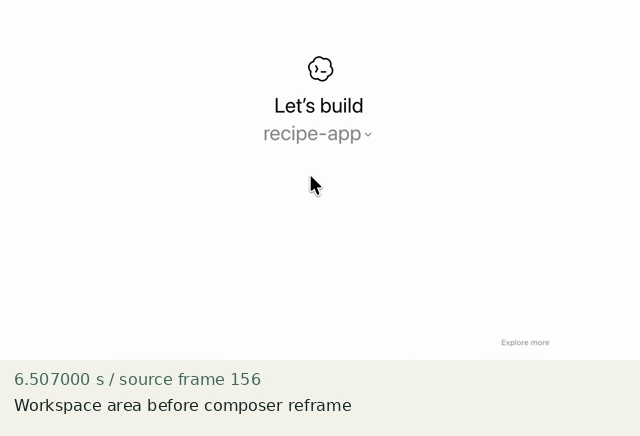
Workspace area before composer reframe
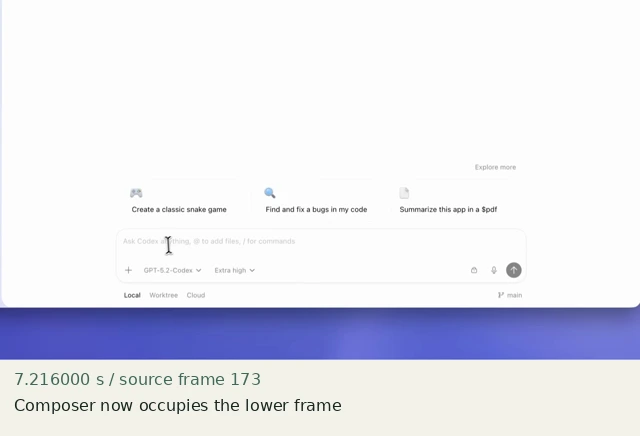
Composer now occupies the lower frame
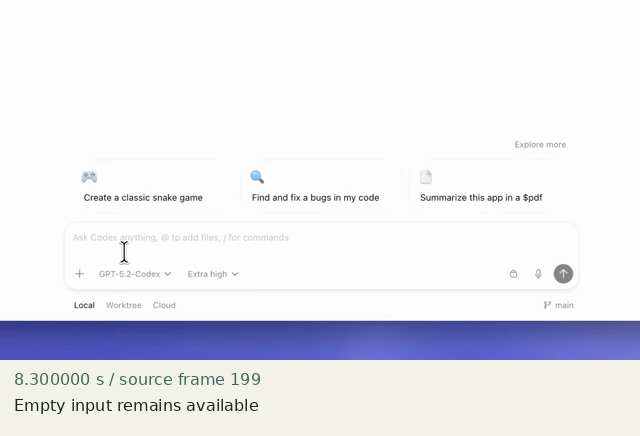
Empty input remains available
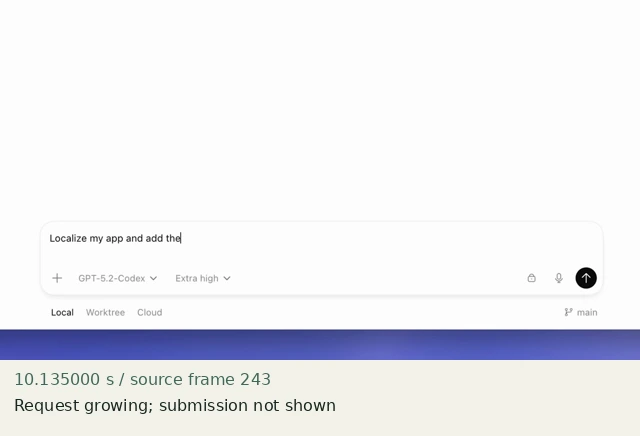
Request growing; submission not shown
Construct in Resolve
Documentation-checked; application-unverified. Use the environment, frame-counting, geometry and font setup first. Timeline timecode starts at 01:00:00:00. Tables use zero-based recipe-local frames and half-open intervals. Clip-local frame equals recipe frame minus that clip’s In; add any Fusion composition offset separately. Values are chosen implementation defaults.
| Track | Asset / native tool | In (inclusive) | Out (exclusive) |
|---|---|---|---|
| V1 | input-empty.png | 0 | 180 |
| V2 | Text: “Arrange” | 90 | 100 |
| V2 | Text: “Arrange these” | 100 | 110 |
| V2 | Text: “Arrange these notes” | 110 | 120 |
| V2 | Text: “Arrange these notes by topic.” | 120 | 180 |
| V3 | pointer.png | 0 | 180 |
- Use a full-frame transparent pointer.png. Its tip starts at source pixel (960,540). On V3 keyframe Transform Position as below; Zoom 1, Anchor Point 0,0. Choose Linear in the Edit Curves Editor.
- Create the first basic Text title, then duplicate it three times for the remaining word states. Title panel: DejaVu Sans Regular, Size 40, color #23312e, Alignment Left, Anchor horizontal Left / vertical Center, Title Position 960,540. Settings → Transform Position X −576 / Y −60, Zoom 1. The text block anchors at output pixel (384,600), below the parked pointer. Keep all four clips identical except for text and duration.
- At frame 120 the fourth native title reads “Arrange these notes by topic.” Do not replace it with the raster request.png: that would introduce a font/baseline matching problem. The word-build uses cuts, not opacity fades. Do not add a submit animation: the source interval does not establish completed submission.
Inspector and keyframes
| Control | Recipe-local frames | Value and interpolation |
|---|---|---|
| Pointer Position X/Y | 0 and 29 | +340,+200 (tip at 1300,340) |
| Pointer Position X/Y | 59 | −540,0 (tip at 420,540); Linear from 29 |
| Pointer | 60–179 | Stationary at target |
| Text plates | 90 / 100 / 110 / 120 | Discrete word-build; 100% opacity |
Hold, handles and retiming
Target dwell 60–89: 30 frames (1 s). Complete request 120–179: 60 frames (2 s).
Stills/generators need no temporal handles. For real captures reserve 15 source-time frames before and after each used interval at a 30 fps capture rate; keep those handles outside the edit. No dissolve or optical-flow handles are needed here.
100% speed. No Optical Flow, Speed Warp, frame interpolation or simulated product wait.
Replace assets / change duration
Replace the pointer route with the actual capture’s cursor when using real UI; never show two pointers. Change the four native title strings while retaining identical anchors, font metrics and Transform settings. Add time at target or at the final request; do not stretch the cursor travel automatically.
Compare the mechanic, not the branding
The source camera also reframes and its request remains unfinished inside the inspected window. The fixture finishes a shorter original request. This discrete word-build is not a recreation of source caret cadence. Text+ Write On is deliberately not specified: the inspected manual’s direction wording requires an application check.
No application render or editable project has been produced. Timing, framing, motion, alpha, continuity and readability comparisons remain incomplete. A source clip or fixture PNG is not that verification.
Construction reference: official Resolve 21 manual, p. 1212, p. 1219, p. 1246, p. 1291, p. 1303, p. 2434. Controls still need confirmation in the installed edition/version.
All recipe specifications · Original preparation kit · Import/export and verification procedure