← Recipe index / Focus
R04_camera_push / 120 frames / 30 fps
Push, settle, then act
Guide attention from the complete surface to a target when travel itself helps orientation. Keep the consequential action after the camera settles.
Source evidence
A first look at the Codex app ↗ · official OpenAI channel · published 2026-02-02
Inspected source window 3.4–5.8 s. Consecutive subset 3.85–4.5 s: 15 frames. A longer excerpt is not an every-frame edit list.
Source evidence, not a Resolve recreation. Silent excerpt; the player counter starts at zero.
Observed mechanic and limits
No cut is claimed during the inspected push: multiple intermediate magnifications are visible.
The complete window grows beyond the frame edges and brings the workspace selector forward.
Large scale changes around 3.963–4.255 s precede the visible selector menu at 4.296 s. Motion blur is visible in intermediate frames.
Wide context → rapid push → menu appears → menu remains readable.
The menu is visible in the 4.296–4.463 s consecutive frames and later overview samples. No exact fitted settle threshold.
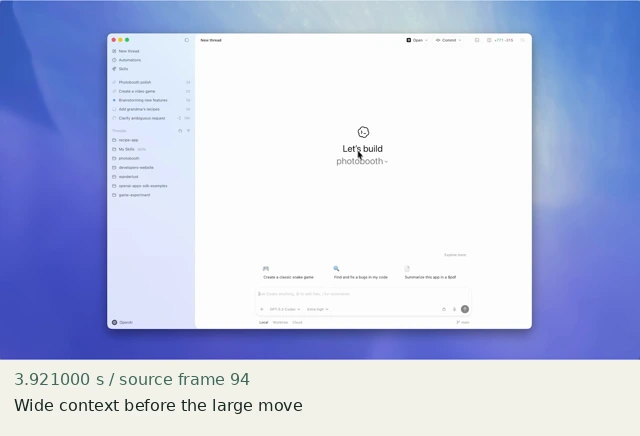
Wide context before the large move
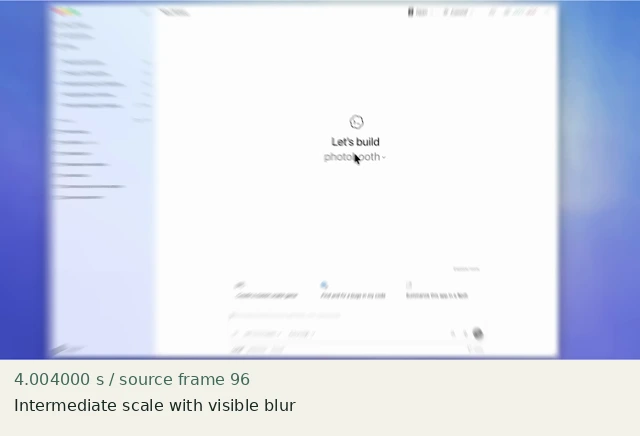
Intermediate scale with visible blur
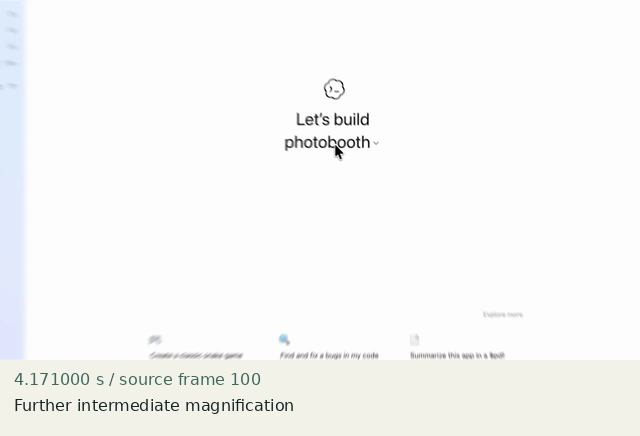
Further intermediate magnification
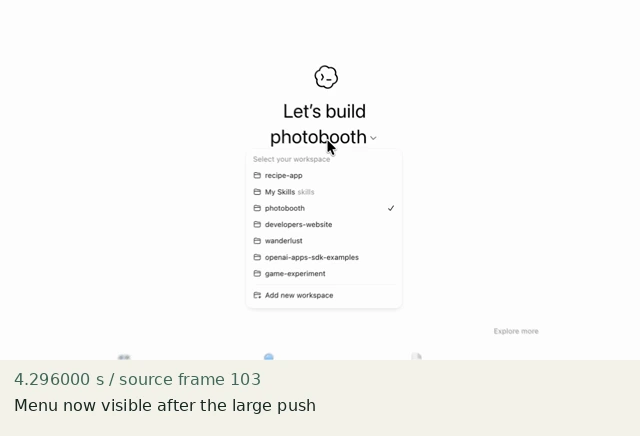
Menu now visible after the large push
Construct in Resolve
Documentation-checked; application-unverified. Use the environment, frame-counting, geometry and font setup first. Timeline timecode starts at 01:00:00:00. Tables use zero-based recipe-local frames and half-open intervals. Clip-local frame equals recipe frame minus that clip’s In; add any Fusion composition offset separately. Values are chosen implementation defaults.
| Track | Asset / native tool | In (inclusive) | Out (exclusive) |
|---|---|---|---|
| V1 | context.png | 0 | 120 |
- Place context.png for 120 frames. Inspector → Video → Transform; disable Dynamic Zoom, keep Anchor Point 0,0 and Rotation 0.
- At frame 24 add diamond keyframes for linked Zoom and Position with the first values below. At frame 39 set the second values. Do not add an action while these parameters change.
- Open the Edit page Keyframe/Curves Editor, enable Zoom and Position channels, select both endpoints and choose Linear. Before frame 24 and after 39 values remain constant. This unfitted motion is deliberately simple; source blur and easing are not recovered.
Inspector and keyframes
| Control | Recipe-local frames | Value and interpolation |
|---|---|---|
| Zoom X/Y | 24 → 39 | 1.0 → 1.8; Linear |
| Position X | 24 → 39 | 0 → −396; Linear |
| Position Y | 24 → 39 | 0 → +108; Linear |
| All transform values | 40–119 | Hold final values; no further keys |
Hold, handles and retiming
Wide frames 0–23 (0.8 s); move spans 15 frame intervals (0.5 s); settled frames 40–119 (80 frames).
Stills/generators need no temporal handles. For real captures reserve 15 source-time frames before and after each used interval at a 30 fps capture rate; keep those handles outside the edit. No dissolve or optical-flow handles are needed here.
100% speed. No Optical Flow, Speed Warp, frame interpolation or simulated product wait.
Replace assets / change duration
Recompute the final translation for the new target; change both position channels and zoom together. A longer clip extends only the final hold. A shorter version cannot end before frame 99 if it needs 60 settled frames. For a faster/slower move, change both endpoints deliberately, not clip speed.
Compare the mechanic, not the branding
Linear interpolation and no motion blur differ from the source. Only the directed push and action-after-move order are implemented. Render comparison may require a chosen eased curve; it cannot establish OpenAI’s exact curve.
No application render or editable project has been produced. Timing, framing, motion, alpha, continuity and readability comparisons remain incomplete. A source clip or fixture PNG is not that verification.
Construction reference: official Resolve 21 manual, p. 1246, p. 1291, p. 1302, p. 1303. Controls still need confirmation in the installed edition/version.
All recipe specifications · Original preparation kit · Import/export and verification procedure